Password Security: Generation and Strength Checking
Password advice becomes easier to follow when it turns into a workflow instead of a slogan. Create a unique password, save it in a password manager, check whether it is long and varied enough, and turn on another authentication factor where the service offers one. Tool-web's password tools fit best into that cycle.
What the Password Generator is good at
Password Generator creates one random password at a time with the character groups you choose. You can include uppercase, lowercase, numbers, symbols, and optional brackets or braces, then review the tool's strength readout before copying the result. The recent-password list stays only in the current page session.
What the strength checker measures
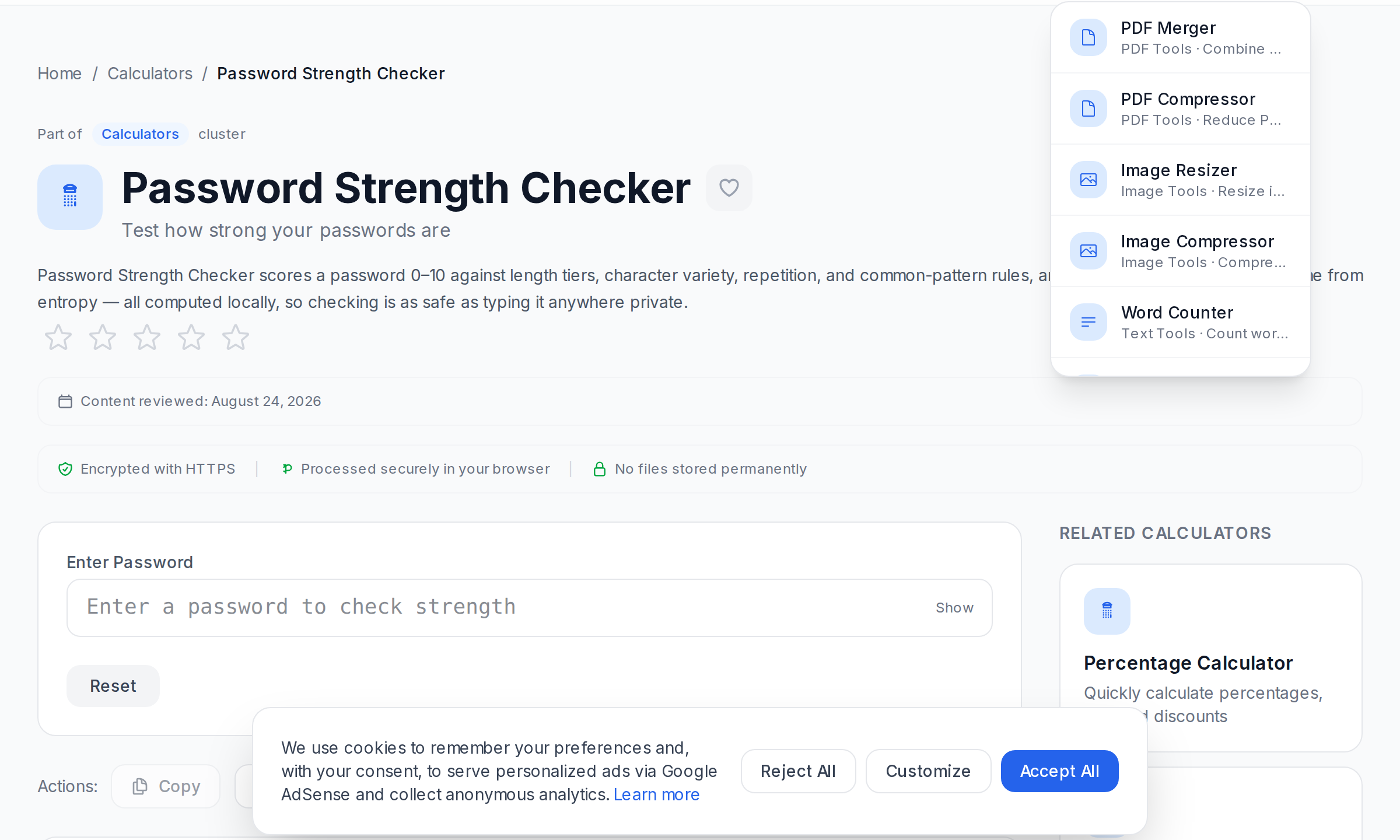
Password Strength Checker evaluates the password you type and reports a score, entropy estimate, crack-time estimate, and simple checks for length, uppercase, lowercase, numbers, and symbols. It is useful for spot-checking an existing password or seeing how a small change improves the score.
A practical password workflow
- Generate a new password that is long enough for the account you are protecting.
- Store it immediately in your password manager.
- If you are unsure whether an older password is still good enough, test it in Password Strength Checker.
- Enable multi-factor authentication on the account if it is available.
What matters most in practice
- Uniqueness keeps one leaked password from exposing several accounts.
- Length usually helps more than clever substitutions.
- Randomness beats memorable patterns like names, dates, and keyboard walks.
How to use the tools without fooling yourself
A high score in a strength meter is helpful, but it does not prove the password has never been reused, stored unsafely, or exposed elsewhere. The tool helps you judge structure, not your broader account hygiene. That is why unique passwords and a password manager matter so much.
Common mistakes
- Reusing one strong password across several services.
- Changing a weak password superficially by adding one symbol or one digit.
- Delaying storage and losing a newly generated password before it is saved.
- Assuming encoding or hashing tools replace password management.
References
The most durable habit is simple: generate long unique passwords, save them immediately, and use the checker to upgrade older passwords that no longer hold up well.
Frequently Asked Questions
Is the generator safe to use?
Does the checker know whether a password has appeared in a breach?
Should I prioritize length or special characters?
Can I use the same strong password everywhere?
What should I do after generating a password?
Related Tools
Try these free online tools mentioned in this article:
Password Generator
Generate strong, random passwords with customizable options
Password Strength Checker
Test how strong your passwords are
Hash Generator
Generate MD5, SHA-1, SHA-256, and other hash values
PDF Unlocker
Remove password restrictions from PDF files
PDF Encryptor
Add password protection to PDF files with AES encryption
Related Articles
Privacy First: Why We Don't Track You
Learn about our commitment to privacy and why we built a tool website that respects your data and anonymity.
Developer's Guide to Base64 Encoding and Decoding
Use Base64 confidently for debugging and transport tasks, while keeping its limits clear: it changes representation, not security.
How to Generate UUIDs for Your Applications
Learn everything about UUIDs — what they are, why they matter, and how to generate them for databases, APIs, and distributed systems.
QR Code Generation: Everything You Need to Know
A complete guide to QR code generation — from basic concepts to advanced use cases in marketing, events, and business.